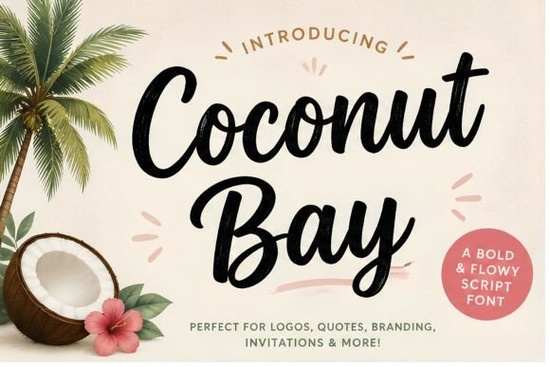
What makes this brush script suitable for summer projects?
The key to a successful tropical design is balancing playful energy with professional readability. This typeface uses consistent baseline spacing and natural tapering, which keeps text legible even when scaled down. Designers often use it for cafe menus, surf shop window decals, and vacation rental signage. The relaxed spacing mimics actual brushwork, so it never feels rigid or over-processed. Unlike tighter, condensed scripts, the open structure here prevents letters from merging during cutting or printing.
- Smooth brush texture: Retains an authentic hand-painted look without looking messy.
- Natural curves: Letters flow together, making phrases feel cohesive.
- Bold weight: Stands out clearly against both light and dark backgrounds.
If you are testing different seasonal layouts, you might also compare this script with other casual styles. When exploring this curated collection of spring and summer typefaces, you will notice how open spacing directly impacts overall readability.
How does it perform for print-on-demand products?
POD sellers need files that translate cleanly to physical materials, and script fonts often cause issues during heat pressing or embroidery. Many small business owners prefer scripts that avoid excessive flourishes, since those details tend to blur or break on textured fabrics. When placing text on cotton tees, canvas totes, or ceramic mugs, keep the layout simple and leave ample negative space. Always test your color combinations on physical materials before committing to large print runs. Ink absorption and fabric dye can shift tones, so ordering a single proof sample saves time and prevents costly reprints. Adding a subtle underline or framing the text in a thin geometric circle anchors the design effectively.
For hobbyists using digital cutting machines, always weld or ungroup the script layer before sending it to your software. This prevents stray cut lines and ensures smooth edges on vinyl transfers or wooden signs.
When should I pair this font with other typefaces?
Pairing a bold handwritten script with the right supporting text makes or breaks a layout. Since this style carries heavy visual weight, it works best alongside simple, highly readable body copy. Avoid matching it with another decorative typeface, as the contrast will compete for attention. Instead, choose a neutral geometric or humanist sans-serif for descriptions and pricing. If you enjoy experimenting with typography stacks, you can browse this understated option to see how different weights interact with coastal palettes. You may also find that Sometimes works nicely for slightly more formal boutique materials.
What file formats and licensing terms should I check?
Before publishing any commercial work, always verify the license included with your download. Professional platforms usually provide OTF and TTF files for desktop software, alongside webfont formats for online stores. Make sure your intended use aligns with the creator’s terms, especially if you plan to print physical goods or distribute digital templates. For personal crafting or small-batch sales, the standard license typically covers basic usage. Many creators also track font updates or seasonal discounts on their platform dashboard. Setting up notifications helps you stay organized when planning quarterly design batches. You can review the original Coconut Bay reference page to confirm current licensing details before printing inventory. Another useful alternative is this elegant script, which helps expand your typography library for varied seasonal campaigns.
Before finalizing your next project, run through this quick preparation list:
- Check legibility at target size: Preview your layout at exact production dimensions.
- Test contrast ratios: Verify text readability against your chosen background color.
- Convert to outlines: Vectorize text for manufacturers to prevent substitution errors.
- Keep editable backups: Save layered files for quick text or color updates later.
- Verify commercial rights: Match your license to your sales volume before launching.
Once your files are optimized and your usage rights are confirmed, you can confidently apply this script to your seasonal collections and watch your coastal campaigns come together.
Try It Free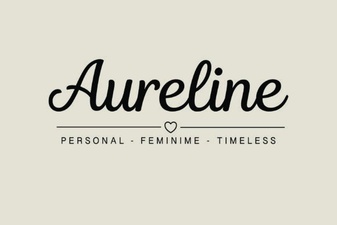 Aureline Font: a Creative and Versatile Typeface
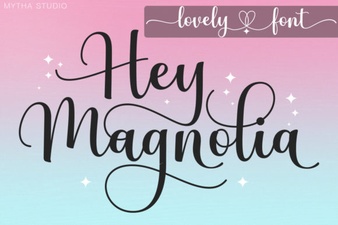 Hey Magnolia Font: Creative Design Examples
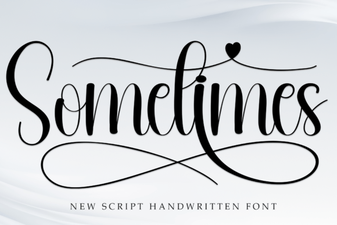 Creative Uses for a Sometimes Font in Design Projects
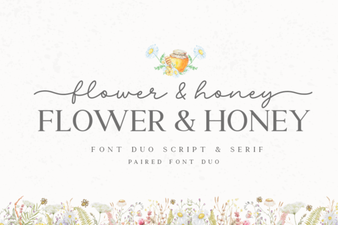 Floral & Honey Font for Sweet Designs
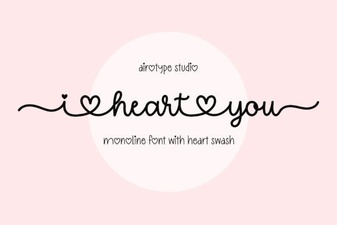 Download Your Favorite I Heart You Font
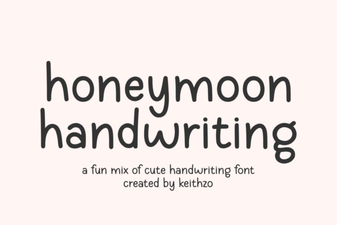 Honeymoon Handwriting Font for Creative Projects