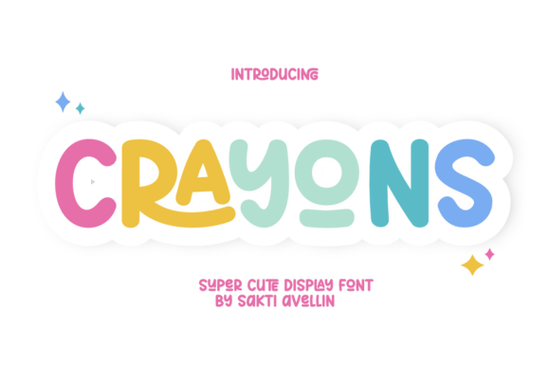
When you need typography that feels hand-drawn and warm, Crayons Font delivers exactly that without requiring physical art supplies. This display typeface mimics textured wax strokes, making it practical for designers, crafters, and print-on-demand sellers. Instead of rigid geometric shapes, you get organic edges that naturally draw attention. It works well for greeting cards, nursery decor, and casual apparel where a personal tone matters more than corporate polish.
What projects actually benefit from a crayon-style typeface?
The uneven letterforms add visual interest that keeps digital quotes and social graphics from feeling flat. Greeting and birthday cards pair naturally with this style because the strokes mimic casual handwriting. Small business owners often use it on packaging labels to give products a boutique feel. The nostalgic quality shines in baby shower invitations and classroom handouts where you want to highlight memories.
Print-on-demand sellers should also consider this typeface for tote bags, mugs, and keychains. The letters carry enough thickness to hold their shape during printing, staying readable even on curved surfaces. You can scale the size for throw pillows or photo frames without losing the sketch-like aesthetic. Placing text slightly off-center often creates a balanced look that fits current decor trends.
How do I keep the letters readable on different materials?
Hand-drawn display fonts need careful spacing to stay legible at smaller sizes. Start by adjusting tracking so each character breathes. If the texture blends on dark backgrounds, apply a light outer stroke or subtle shadow. For screen printing or heat transfer vinyl, simplify the layout by removing overlapping graphics. High-contrast colors like white on navy perform better than muted palettes with highly textured type.
Always print a quick proof on your exact production material before running a full batch. Check kerning around letters like R or Y, which often carry longer tails. If spacing feels tight, increase line height slightly. This adjustment preserves the charm while ensuring customers read the message clearly.
Where should I pair it with complementary designs?
Balancing decorative typefaces with sturdy secondary fonts prevents cluttered layouts. When you need supporting text, look at clean display alternatives that maintain a lighthearted vibe, such as Classroom Memories. For structured headers, bold collegiate styles anchor the composition well, especially when mixed with Vintage Varsity. If your artwork leans into illustrations, try pairing it with whimsical sticker sets to keep themes cohesive alongside Cute Stickers.
Remember that visual hierarchy matters most. You can explore rounded options like friendly sans-serif layouts for body copy, or reference Jake for consistent spacing. For softer contrast, mix in elegant script pairings like Mila. Keep the primary focus on Crayons as your headline, letting supporting elements frame it. This keeps designs organized and easy to scan.
Which file formats do I need for production?
Using the correct file type prevents printing or cutting errors. Work from an OpenType or TrueType file during design, as these preserve exact spacing and ligatures. Once finalized, export a high-resolution PNG with transparency for digital previews. If preparing artwork for vinyl cutters or laser engravers, convert text to outlines first to avoid substitution errors on the production floor.
Keep backup folders organized by project type so source files stay accessible during rush orders. Save separate versions for different print methods, since screen printing requires simple vectors while direct-to-garment handles textured images smoothly. Clear communication with your printer avoids wasted materials and ensures accurate final results.
- Adjust tracking and line height before finalizing commercial layouts.
- Use high-contrast colors to keep textured letterforms clear.
- Convert text to outlines before sending to cutting machines.
- Order one test sample to verify scale and readability.
- Back up font files in labeled folders for future edits.
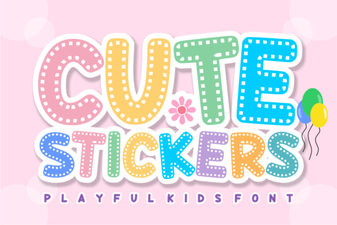 Design Creative Projects with a Cute Stickers Font
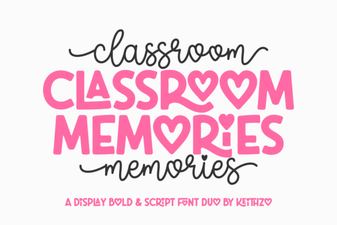 Fonts for Capturing Classroom Memories
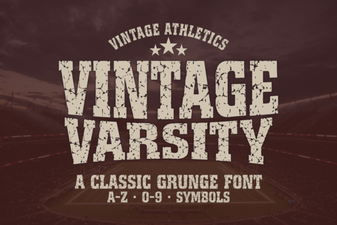 Vintage Varsity Font: Design Ideas & Creative Uses
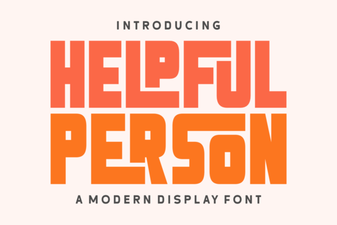 Free Fonts for User-Friendly Web Projects
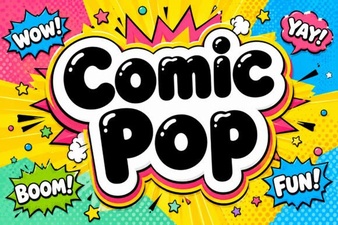 Get Creative with Comic Pop Font Projects
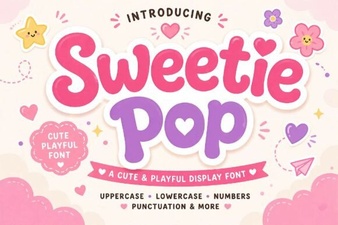 Crafting Delight with Sweetie Pop Font