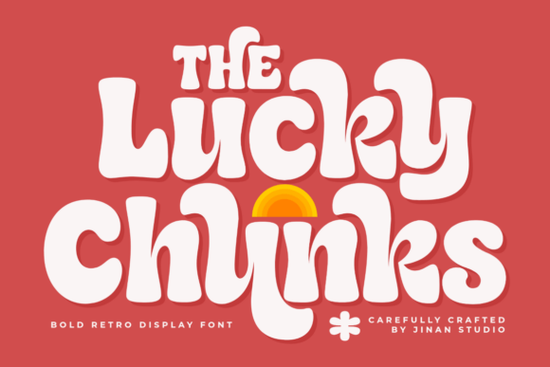
Many creators struggle to find a typeface that balances bold visibility with a warm, approachable feel. Lucky Chunks Font solves that by blending chunky 1970s letterforms with soft, rounded edges. This makes it an excellent choice for display typography when you want your work to feel handmade but polished. Designers and small shop owners often pick this style to add personality without overwhelming the layout.
How does the groovy vintage style improve project visibility?
The thick strokes and playful curves catch attention quickly on crowded shelves or busy screens. When shoppers scroll through social feeds or browse craft markets, they respond well to typography that feels familiar and comforting. The rounded corners keep the text readable even at smaller sizes, which matters a lot for packaging labels and sticker sheets.
If you work with display fonts, you already know that legibility drops when letterforms get too stylized. This typeface avoids that trap by keeping character shapes open and consistent. You can pair it with simpler sans serif or script options to balance heavy headlines with clean body copy. For example, combining it with Sweetie Pop gives you a friendly contrast for kids-themed layouts, while distressed typefaces add texture to band merchandise or poster backgrounds.
What types of creative projects benefit from soft rounded lettering?
Print-on-demand sellers frequently use this aesthetic for t-shirt graphics, tote bags, and coffee mug wraps. The bold weights hold up well during the printing process, so details stay sharp on fabric or ceramic surfaces. Small café owners also rely on chunky display type to design menu boards, loyalty cards, and window decals that match a retro interior theme.
Crafters and stationery makers find it useful for invitations, quote prints, and scrapbook layouts. Because the curves feel approachable, the text works beautifully on nursery art, classroom posters, or pet product packaging. You can easily adapt it for digital use too, like podcast thumbnails, YouTube banners, or Instagram carousels that need a cohesive retro vibe. When designing playful merchandise, checking cute sticker collections can help you understand how bold lettering scales down for adhesive labels.
How do you pair this font with other display options without cluttering a layout?
The biggest mistake creators make is using multiple heavy typefaces on the same page. When your main headline already uses thick, expressive shapes, keep supporting text light and straightforward. Reserve the chunky style for short phrases, logos, or key selling points. For longer descriptions, switch to a clean sans serif that shares the same x-height and neutral personality.
Testing combinations early saves revision time. Try placing Lucky Chunks Font next to handwritten crayon styles if your brand leans playful and informal. For a slightly wilder look that still stays organized, whimsical display options can frame your main title nicely. Always step back and check the visual weight on screen before exporting your files.
What practical steps help you use bold display type correctly?
Proper spacing makes or breaks a heavy typeface. Increase tracking slightly so each letter has room to breathe, especially when using all caps. Always avoid tight line spacing if your design contains multi-line quotes or short paragraphs. Use underline variations only if the font family actually includes them, rather than relying on software simulation that can blur edges or distort curves.
Color choices also affect readability. Light pastels, mustard yellows, and muted olive tones pair naturally with the vintage aesthetic. High-contrast black-on-white works for maximum clarity, while warm cream backgrounds keep the overall mood soft and inviting. Always preview your design at actual size before sending it to print.
If you want to explore more retro lettering options, you can browse Lucky Chunks Font directly on the marketplace to see additional formats and licensing details.
Final checklist before publishing your design
- Adjust letter spacing so the thick edges do not touch or overlap.
- Print a quick draft on your target material to check ink coverage.
- Keep the chunky title under six words for the strongest visual impact.
- Match your secondary font weight to the x-height of the main headline.
- Verify your commercial license covers physical goods if you plan to sell products.
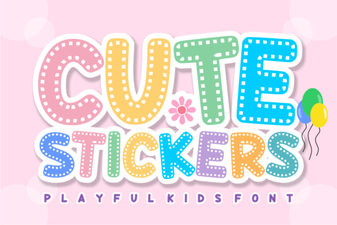 Design Creative Projects with a Cute Stickers Font
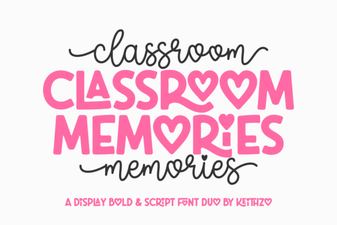 Fonts for Capturing Classroom Memories
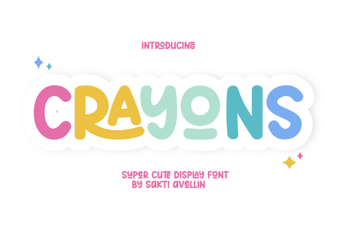 Crayons Fonts for Creative Design Projects
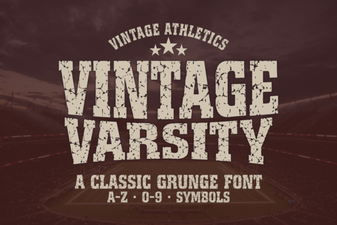 Vintage Varsity Font: Design Ideas & Creative Uses
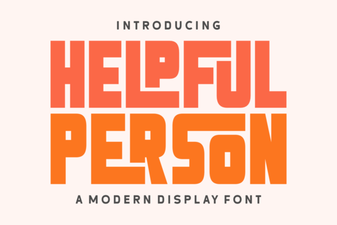 Free Fonts for User-Friendly Web Projects
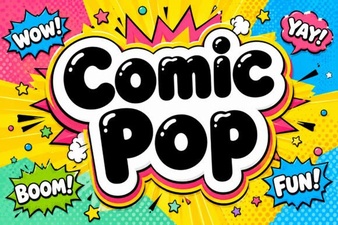 Get Creative with Comic Pop Font Projects